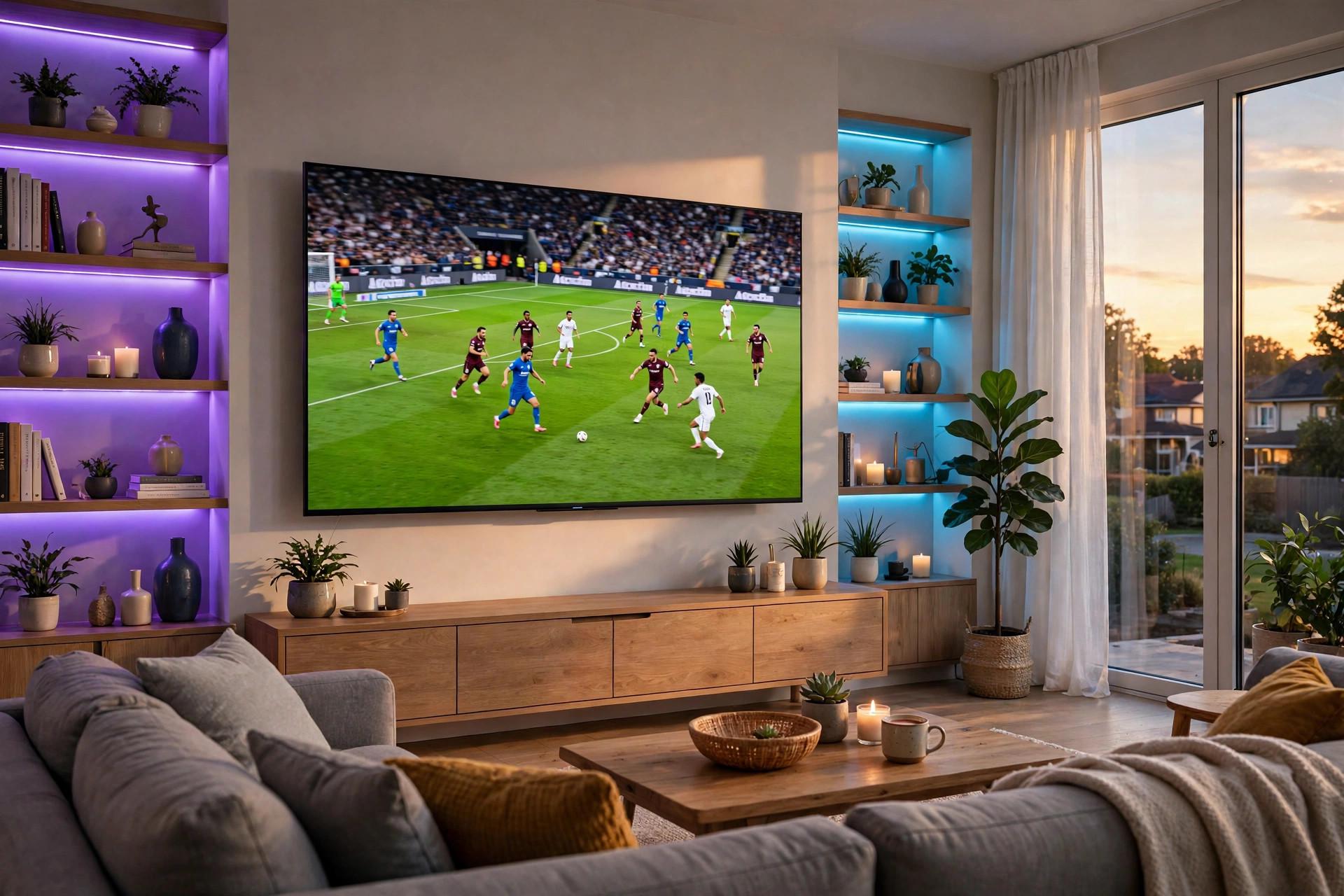
The Apple TV 4K is the box for the household that already lives in Apple. The iPhone is the remote, the photos are the screensaver, the AirPods pair for late-night viewing, and the box itself is the fastest IPTV player most people will ever own — the A15 chip decodes a 4K HDR game without breaking a sweat, and tvOS is the most polished interface on any streaming box. It costs $129 for the Wi-Fi model and $149 for the Wi-Fi plus Ethernet model, and the Ethernet model is the one to buy for IPTV.
The one gap is the apps. Apple does not allow IBO Pro Player on the App Store, so the Apple TV uses IPTV Smarters Pro, iPlayTV or a similar Xtream Codes player instead — and those apps are excellent, with the same channels, the same guide and the same 4K feeds. The login is a username and password rather than a MAC address, which is simpler to type and easier to move between devices. This guide covers the setup, the apps, the picture settings and the fixes.
IPTV Apple TV 4K USA: setup in four steps
Step one is the box itself: plug the Apple TV 4K into the TV with the HDMI cable — Apple does not include one in the box, so a certified Ultra High Speed cable for about $10 is the first purchase — and plug the power cable into the wall. Step two is the sign-in: hold the iPhone near the box and the setup transfers the Wi-Fi password and the Apple ID in seconds, or type them on screen with the Siri Remote. Update tvOS under Settings, System, Software Updates before anything else.
Step three is the app: open the App Store, search for IPTV Smarters Pro, and install it. Step four is the login: open the app, choose Login with Xtream Codes API, and enter the username, password and server URL support sends on WhatsApp. Tap Add User, wait for the channels and the EPG to load — about a minute on a good connection — and the guide is ready. The whole process takes under five minutes, and support on WhatsApp will walk through it live if any step sticks. The install guide covers the same steps for every device.
IPTV Apple TV 4K USA: the best apps compared
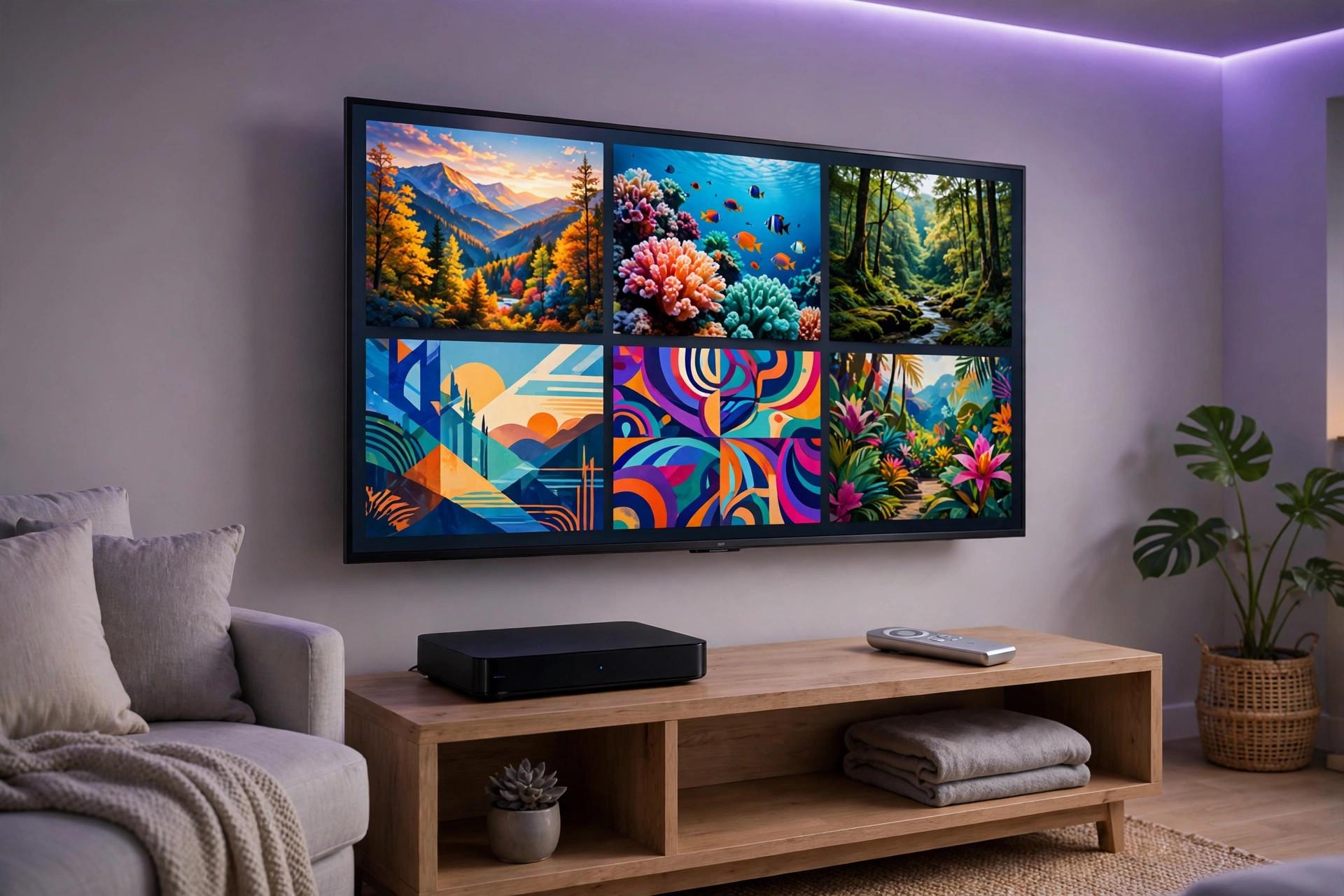
IPTV Smarters Pro is the default pick: free, fast, and the same app on iPhone, iPad, Mac and Apple TV, so the login and the favorites follow you. The guide is clean, the search finds a title in seconds, and the player handles 4K HDR with Dolby Vision without a setting to change. iPlayTV is the second pick, and the favorite of viewers who want the guide to look like a cable box — the grid, the channel logos and the favorites are all there, and the app costs a few dollars after the trial. Both use the same Xtream Codes login from WhatsApp.
A third option is to use the Apple TV as a screen for the iPhone: open IPTV Smarters Pro on the phone and AirPlay it to the TV. It works, and it is the way to watch on a TV without installing anything, but the picture tops out at the phone's output and the phone battery drains while you watch. Install the app on the box itself — it is faster, sharper and the remote works properly. If an app disappears from the App Store, message support before reinstalling anything; the recommended app changes from time to time.
IPTV Apple TV 4K USA: picture settings — Dolby Vision done right
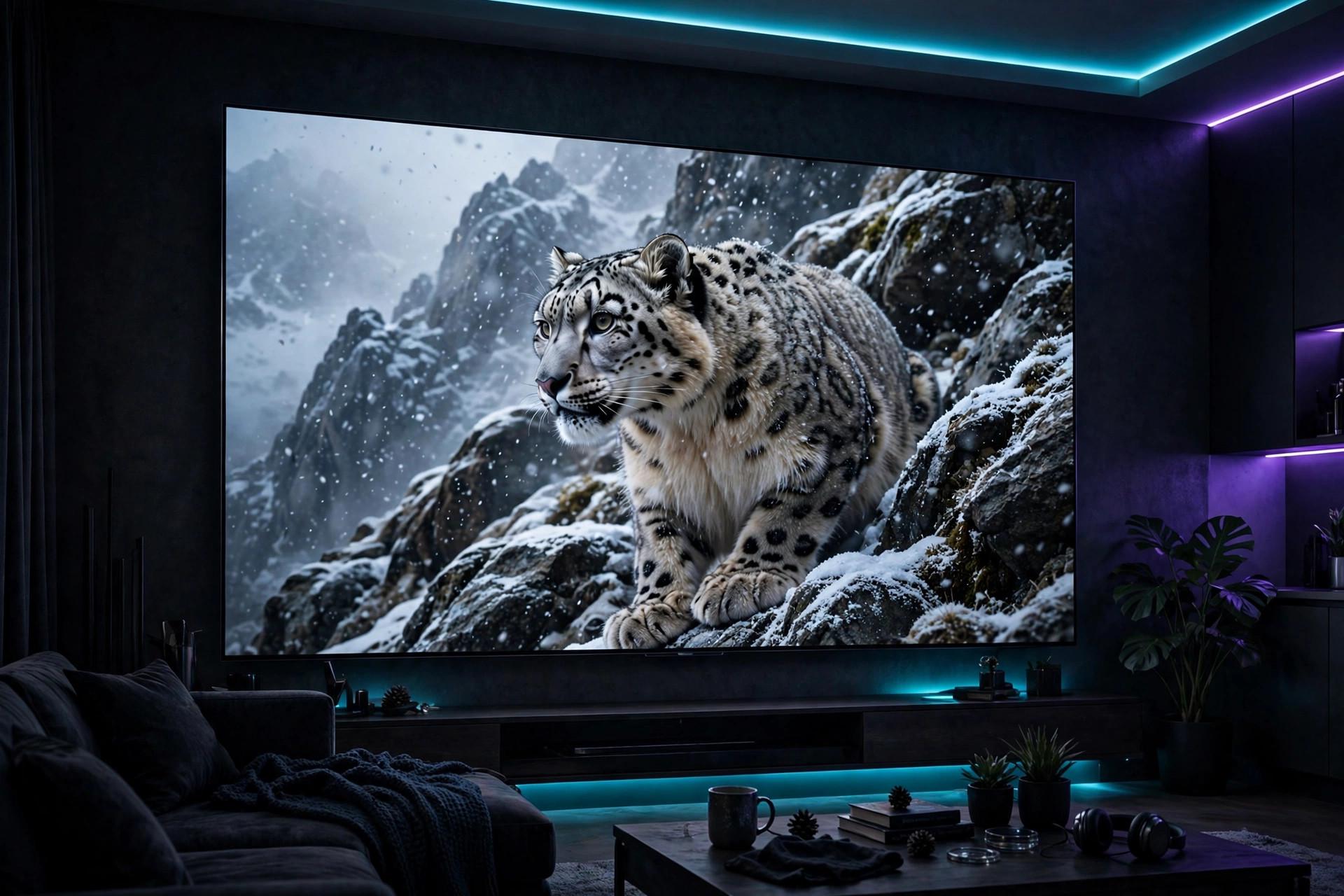
The Apple TV 4K handles Dolby Vision better than any other box, and the settings are two toggles. Go to Settings, Video and Audio, and turn on Match Dynamic Range and Match Frame Rate. Match Dynamic Range switches the box to Dolby Vision or HDR10 when the title carries it, and back to SDR for the news. Match Frame Rate plays a 24fps film at 24fps instead of forcing it to 60, which is the difference between a film and a soap opera. Set the format to 4K HDR if the TV supports it, or 4K SDR with Match Dynamic Range on if the TV is older.
The TV side is the same as for any player: turn on the HDR setting for the HDMI input — Ultra HD Deep Colour on LG, Input Signal Plus on Samsung, Enhanced Format on Sony — and set the picture mode to Filmmaker Mode or Cinema for films. The Apple TV shows a small Dolby Vision badge in the corner when the feed carries it, and the badge is the test: no badge, no Dolby Vision, and the input setting is the first place to check. The HDR guide walks through the whole chain.
IPTV Apple TV 4K USA: the Siri Remote, the iPhone and the late night
The Siri Remote is the best remote for IPTV and the most complained-about, often by the same person. The touch clickpad scrubs through a game with a swipe — swipe right to skip forward, left to go back — and the clickpad also jumps through the guide faster than any arrow key. The remote charges over USB-C and lasts months on a charge, which is the answer to the most common complaint about the old remote. If the clickpad is too sensitive, turn off the touch surface in Settings, Remotes and Devices, and use the clickpad as buttons only.
The iPhone is the better remote for typing: open the Apple TV Remote in Control Center and the keyboard appears on the phone, so a long playlist URL takes seconds instead of minutes. Late at night, pair the AirPods to the box and the audio switches to the headphones with a tap — the family sleeps and the game stays loud in your ears. The photos screensaver, the aerial videos, is the nicest idle screen on any box, and it costs nothing.
IPTV Apple TV 4K USA: Wi-Fi, Ethernet and the buffering fix
Buy the $149 Ethernet model if the router is in the same room or a cable run is practical — a wired Apple TV never buffers on a good connection, and the Ethernet port is the difference between the two models that matters for IPTV. On Wi-Fi, the Apple TV 4K has Wi-Fi 6 and holds a 4K stream on 5 GHz without trouble in the same room; two rooms away, the same advice applies as for any box — a mesh node in the living room, or the Ethernet model with a powerline adapter.
If buffering appears, work through the short list: restart the box from Settings, System, Restart; check that no VPN profile is active under Settings, General, VPN; open the player app and raise the buffer; and test the speed on the box itself with a speed test app at 8 PM. The Apple TV rarely needs the decoder switch the Firestick sometimes does — the A15 handles the hardware decode cleanly — so if the picture still stutters on a wired box, the fault is usually the feed, and the buffering fixes in this series cover the rest.
IPTV Apple TV 4K USA: Apple TV 4K vs Firestick vs Shield
The honest comparison is short. The Apple TV 4K at $129 is the fastest and most polished, with the best Dolby Vision handling and the best remote for typing — and it is the pick for the Apple household. The Firestick 4K Max at $59.99 plays the same 4K feeds for half the price, with IBO Pro Player as the simplest app, and it is the pick for the second TV and the budget. The Nvidia Shield TV Pro at $199.99 is the strongest box of all, with AI upscaling that sharpens 1080p feeds, and it is the pick for the 75-inch TV and the home theater. The Shield guide compares the two boxes head to head, including the AI upscaling the Apple TV does not have.
The subscription does not change between them: one IPTV USA 4K login works on the Apple TV, the Firestick and the Shield, and the multi-device yearly plans — $159.99 for two devices, $224.99 for three, $269.99 for four — cover the household however it is mixed. Buy the box that fits the household, not the one with the longest spec sheet, and test the service on it with the free 24-hour trial before the return window closes.
IPTV Apple TV 4K USA: the badge test
The badge test is the fastest check on the Apple TV: play a 4K film you know is graded in Dolby Vision, and watch for the badge in the corner in the first five seconds. Badge means the whole chain works — stream, box, cable, input, panel. No badge means one link is off, and the order to check is the TV input setting, then Match Dynamic Range, then the cable. Run the test during the free trial on the biggest TV in the house, and once the badge appears, leave the settings alone. The Apple TV is the box that needs the least fiddling once it is set up right, and that is the point of paying $129 for it.
- Apple TV 4K: $129 Wi-Fi, $149 Ethernet — buy the Ethernet one
- Install IPTV Smarters Pro from the App Store
- Login with Xtream Codes — username, password, server URL
- Turn on Match Dynamic Range and Match Frame Rate
- Use the iPhone as the remote and keyboard
- Same login works on Firestick, Shield and Apple TV
| Box | Price | Dolby Vision | Best for |
|---|---|---|---|
| Apple TV 4K | $129 / $149 | Yes — best handling | Apple households |
| Firestick 4K Max | $59.99 | Yes | Budget / second TV |
| Nvidia Shield TV Pro | $199.99 | Yes | Home theater |
If you want to see the difference on your own screen, start the free trial and watch a 4K game or movie tonight. See the plans and prices and pick the length that fits your household, then follow the install guide for your device — most people are watching in under five minutes.