Most people who buy a 4K TV never see HDR, and they never know it. The TV ships with HDR turned off on at least one HDMI input, or with the picture mode set to Eco, or with a cable that cannot carry the signal — and the 4K stream arrives, the TV shows it in standard dynamic range, and the owner assumes that is what 4K looks like. It is not. Standard dynamic range squeezes a scene into a narrow band of brightness, so the sun and the shadow in the same shot both come out gray. HDR opens that band up, and the same scene suddenly has depth.
The fix is usually three settings and a cable, and it takes ten minutes. The catch is that the chain has to work end to end: the stream has to carry HDR metadata, the player has to pass it, the HDMI cable has to have the bandwidth, and the TV input has to have HDR enabled. One weak link and the whole chain falls back to SDR without a warning on screen. This guide walks the chain link by link, so you can find the one that is switched off in your living room.
HDR Dolby Vision IPTV USA: HDR10, HDR10+ and Dolby Vision
HDR10 is the baseline every 4K TV supports. It carries one set of brightness instructions for the whole film or game — static metadata — and it works on every HDR TV, Firestick 4K Max, Apple TV 4K and Nvidia Shield. Dolby Vision is the step up: it carries brightness instructions scene by scene, even frame by frame — dynamic metadata — so a dark cave scene and a bright desert scene in the same film each get their own settings. On an LG C4 OLED or a Sony Bravia, the difference between HDR10 and Dolby Vision is visible in any film with mixed lighting.
HDR10+ is the open alternative to Dolby Vision, with the same scene-by-scene idea and no license fee. Samsung backs HDR10+ and does not support Dolby Vision at all, which is the one real format gap in American living rooms: a Samsung S90D shows HDR10+ beautifully and simply ignores Dolby Vision metadata. HLG is the broadcast variant, used by live sports and by the BBC, and it needs no metadata at all. When you pick a service, the question is not which format is best in theory — it is which formats your TV actually supports, and whether the feeds you watch carry them.
HDR Dolby Vision IPTV USA: why your picture looks dull
The most common cause is the HDMI input. On LG, Samsung and Sony TVs, HDR is enabled per input, and at least one input ships with it off — usually the one labeled HDMI 2 or the one the soundbar uses. On LG webOS it is called HDMI Ultra HD Deep Colour, on Samsung it is Input Signal Plus, on Sony it is HDMI Enhanced Format. Turn it on for the input the Firestick or Apple TV uses, restart the player, and the TV should pop a small HDR or Dolby Vision badge in the corner when an HDR feed starts. No badge, no HDR.
The second cause is the picture mode. Vivid looks bright in the store and terrible at home, because it crushes the shadows and blows out the highlights — the opposite of what HDR is for. Filmmaker Mode on LG and Samsung, or Cinema and Custom on Sony, shows HDR the way it was graded, and on an OLED it also protects the panel. The third cause is the cable: a 4K60 HDR feed needs 18 Gbps of bandwidth, which means a Premium High Speed cable at minimum, and a 4K120 feed needs a 48 Gbps Ultra High Speed cable. The cable in the drawer from 2015 is almost certainly neither.
HDR Dolby Vision IPTV USA: turning it on, device by device
On the Firestick 4K Max, go to Settings, then Display and Sounds, then Display, and set Dynamic Range Settings to Adaptive — the stick then switches to HDR or Dolby Vision whenever the feed carries it, and drops back to SDR for the news. On the Apple TV 4K, go to Settings, Video and Audio, and turn on Match Dynamic Range and Match Frame Rate, so the box switches modes per title instead of forcing everything into one format. On the Nvidia Shield TV Pro, Dolby Vision is enabled under Display and Sound, and the AI upscaling setting should stay on for 1080p feeds.
On the TV itself, set the picture mode to Filmmaker Mode or Cinema for movies and to the game or sports preset only for live sport — the sports preset is brighter but it clips HDR highlights. Turn off Eco mode and the ambient light sensor, because both dim the panel just when HDR needs full brightness. Set the color temperature to Warm 2 on LG and Samsung, which looks yellow for the first hour and correct forever after, because that is the white point films are graded to. Then play a 4K HDR movie and look for the badge — the 4K picture settings guide walks through every setting in detail.
HDR Dolby Vision IPTV USA: HDR on live sports
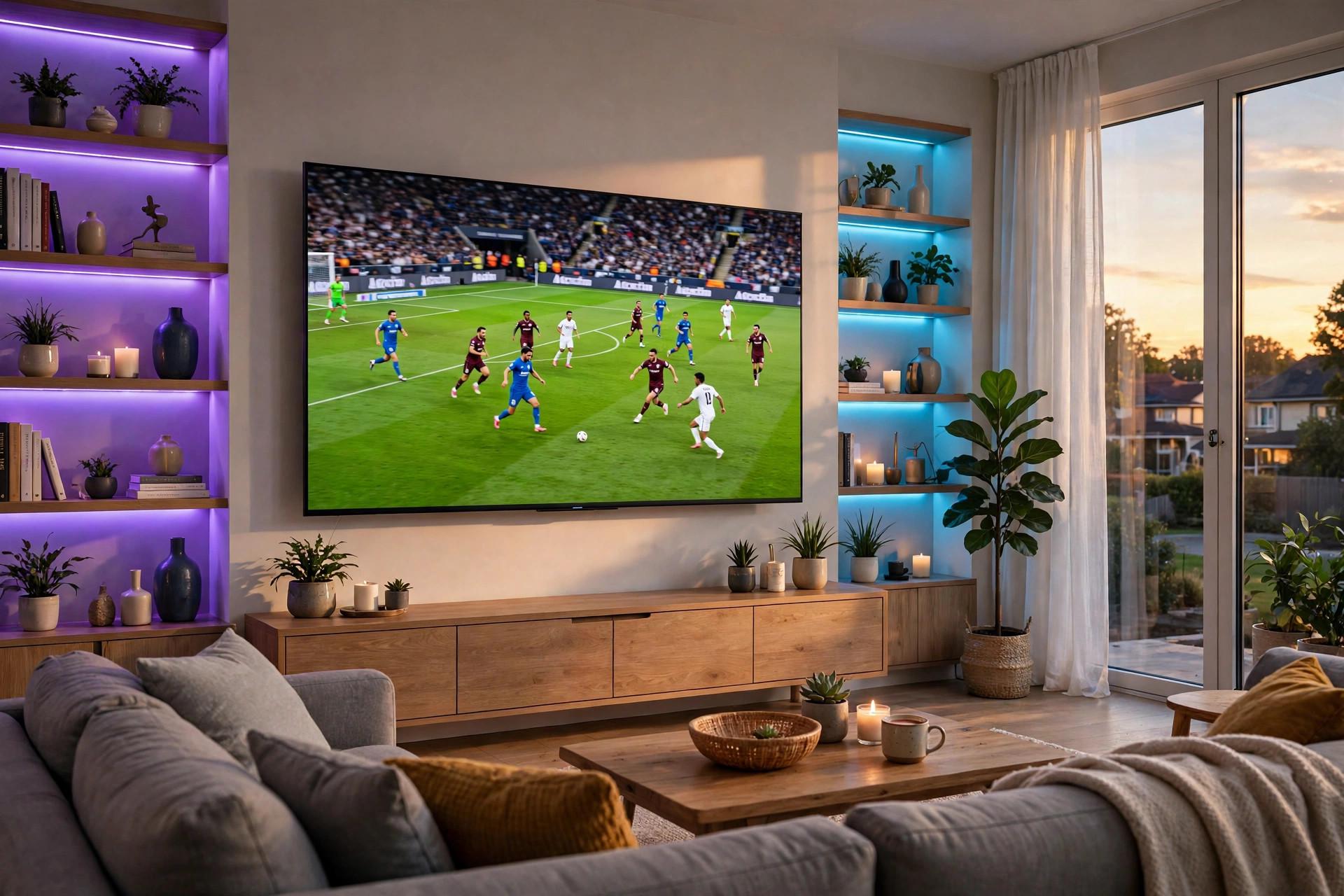
Live sport is where HDR earns its money and where it is hardest to deliver. A football stadium at night is the worst case for a TV: floodlights at thousands of nits, players in shadow under the stands, and a ball moving at 60 frames a second. In SDR the floodlights bloom into white blobs and the shadows go black. In HDR10 or HLG the lights stay round, the grass keeps its texture under the lights, and the numbers on the jerseys stay readable. Fox and ESPN both produce selected games in 4K HDR now, and the difference is biggest on an OLED, where each pixel makes its own light. The sports guide lists which games Fox and ESPN actually produce in 4K HDR, so the trial lands on a night that shows it.
The catch is that live HDR needs more bitrate than recorded HDR, because the encoder cannot look ahead. A 4K HDR game needs 35 to 50 Mbps steady, and a dip to 15 Mbps does not just soften the picture — it can knock the feed out of HDR entirely on some players, and the TV silently drops to SDR mid-game. That is why the speed and connection checks matter more for HDR sport than for anything else: Ethernet or a strong 5 GHz link, no VPN, and the largest buffer the player app offers.
HDR Dolby Vision IPTV USA: movies, VOD and the dark-scene test
Movies are the easiest place to see HDR done right, because the grade is finished before you press play. Put on a 4K HDR film with night scenes — a space film, a night chase, a cave sequence — and watch the shadows. In SDR the shadows are one flat black. In Dolby Vision on an LG C4 the shadows have layers: you can see the wall behind the actor, the texture of the coat, the edge of the doorway. That is the test to run during the free trial, because it separates a real HDR feed from a 4K SDR feed with an HDR label in about thirty seconds.
The VOD library on IPTV USA 4K Premium carries its 4K films with HDR where the film supports it, and the player apps show the HDR or Dolby Vision badge before you press play — check the title details in TiviMate or IPTV Smarters Pro and you will see it. If a film you know is graded in Dolby Vision shows no badge, the fault is in the chain, not the film: check the HDMI input setting first, then the player setting, then the cable. Nine times out of ten it is the input.
HDR Dolby Vision IPTV USA: the settings that ruin HDR
Four settings ruin HDR on otherwise good TVs, and all four ship turned on. Motion smoothing — TruMotion on LG, Motion Plus on Samsung, Motionflow on Sony — invents frames that were never shot and turns film into cheap video; turn it off for movies and keep it only for live sport if you like it. Noise reduction smears fine detail in dark scenes; turn it off for any 4K source. Sharpness above 10 adds halos around everything; set it to 0 for a 4K feed, because the feed is already sharp. And the Eco sensor dims the panel in a dark room, which is exactly when HDR needs the panel at full brightness.
The other trap is the soundbar. A soundbar that sits between the player and the TV has to pass HDR through, and older bars strip the metadata and hand the TV an SDR signal. If the badge disappears when you route through the bar, plug the player straight into the TV and send the audio back to the bar over eARC instead. The picture comes first — the bar still gets the same Dolby Atmos audio over eARC, and the TV keeps the HDR.
HDR Dolby Vision IPTV USA: the 30-second badge test
The badge test is the fastest check in this whole guide: play a 4K film you know is graded in Dolby Vision, and watch the top corner of the screen for the HDR or Dolby Vision badge in the first five seconds. Badge means the whole chain works — stream, player, cable, input, panel. No badge means one link is off, and the order to check is input setting, player setting, cable, picture mode. Run the test during the free trial on the biggest TV in the house, and once the badge appears, leave the settings alone. HDR done right needs no further fiddling — the picture just looks like the room has a window in it, and you will wonder how you watched SDR for so long. If the badge never appears on your set, the LG OLED settings walk through the ten-minute setup on the panel most Americans buy for HDR.
- HDR widens brightness and color — it is not just more pixels
- Dolby Vision adjusts scene by scene; HDR10 sets it once
- Samsung uses HDR10+, not Dolby Vision — check your TV
- Turn on the HDR setting for the HDMI input you use
- Filmmaker Mode or Cinema shows HDR as graded
- Test with a dark movie scene — shadows should have layers
| Format | Metadata | Supported by |
|---|---|---|
| HDR10 | Static — one setting | Every 4K TV |
| Dolby Vision | Dynamic — scene by scene | LG, Sony, Apple TV 4K |
| HDR10+ | Dynamic — scene by scene | Samsung, Panasonic |
| HLG | None — broadcast | Live sport broadcasts |
If you want to see the difference on your own screen, start the free trial and watch a 4K game or movie tonight. See the plans and prices and pick the length that fits your household, then follow the install guide for your device — most people are watching in under five minutes.